• 7 min read
What Gitea Mirror does when a mirror goes wrong
Retries, GitHub rate limits, slow imports, name clashes, deleted sources, expired tokens and restarts, and how Gitea Mirror handles each.
Mirroring means talking to two servers, a source like GitHub and a destination like Gitea, over whatever network sits in between. This is what Gitea Mirror does about each kind of failure, read from the code as of v3.57.0, including the places where it does nothing.
Retries, and what isn’t retried
Jobs you start from the UI work through a few repositories at a time. A repository that fails is tried up to two more times, with exponential backoff starting at 2 or 3 seconds. Scheduled syncs don’t retry on the spot: a failed repository stays failed, and the next scheduled run picks it up.
Inside one repository, if releases, milestones, issues or pull requests fail, the error is logged and the rest carries on. Issues that still fail after their own retries are dropped for that run, and the sync watermark doesn’t move, so they’re listed again next time.
Retries can create duplicates when the first attempt half worked. Gitea can commit a new issue and then answer with a 5xx when the follow-up label update deadlocks. So before creating an issue, a retry searches Gitea for its marker, [GH-ISSUE #12] or [PR #12], and updates the one it finds.
GitHub rate limits
A token gets 5,000 requests an hour, which a first sync with issues can use up. Gitea Mirror uses Octokit’s throttling plugin with one rule on top: a wait of up to two minutes is slept off inside the request. A longer wait isn’t. The request fails, and GitHub work for that user pauses until the reset.
The pause is a gate in front of every GitHub request. While it’s closed, a request either waits, if the reset is under two minutes away, or fails before anything leaves the process. Batches stop before starting more work, and a rate limit error is never retried. The scheduler ends its run, moves the next run to just after the reset, and puts repositories that failed only because of the limit back to their previous status, so nobody has to click Retry.
The gate exists because of a bad bug (#437). The first fix only failed the one request that hit the limit. Every other request queued in the run still went to GitHub, came back 403, and the retry helper sent each one three more times. A repository with a thousand issues turned into thousands of refused requests in minutes. GitHub counts those toward abuse detection, and one user’s account was suspended. v3.40.1 added the gate. And until today’s release, a rate limit during a job started from the UI could take the whole app down, because the error escaped as an unhandled rejection (#565).
Two things save budget. Since v3.26.0, every GET sends the last ETag, and an unchanged answer comes back as a 304 that doesn’t count. Since v3.39.0, scheduled syncs only ask for issues and pull requests updated since the last run.
The dashboard shows toasts at 80% and 100% of the budget, and when it resets. The gate lives in memory, so a restart forgets it.
When Gitea takes longer than the request
Creating a mirror is one call to Gitea’s migrate API, and that call stays open until the clone is done. Bun’s fetch gives up after five minutes, a reverse proxy in front of Gitea can give up too, and Gitea keeps importing either way. Gitea Mirror used to call that a failure, and the retry hit a half-made repository that Gitea refused to sync.
Now a network error, a 502 or a 504 on that call makes Gitea Mirror look first. If the repository exists and mirrors the same source, it polls every 5 seconds, for up to 30 minutes, until the import finishes, then carries on as if the call had returned.
What it can’t fix: Gitea and Forgejo never clean up a failed import, and their API can’t tell it from one still running. After 30 minutes the error says so, and tells you to delete the repository in Gitea and retry if it has looked like that for hours.
When Gitea refuses the migration outright, the error now carries its reason, such as “You can not import from disallowed hosts.” (#511), instead of a bare HTTP 422.
Large repositories and LFS
Gitea fetches LFS objects inside that same migration. If the LFS part fails, Gitea throws out the whole migration and there’s nothing to save. The way around it is turning LFS off for that one repository under Mirror options.
For release assets, a download that goes two minutes without a byte counts as dead. An asset linked from outside the source host is capped at 512 MB and 15 minutes, and skipped with a warning past that. A release is only created once its git tag exists in Gitea; until the mirror has fetched the tag, the release waits for the next sync.
A repository already in Gitea
Before creating a mirror, Gitea Mirror checks the name it wants:
- A mirror of the same source, matched by clone URL: it reuses it and brings it up to date with a full sync.
- A mirror of a different source: it gives the new mirror a different name instead of touching it.
- A regular repository: it leaves it alone and fails with a message telling you to rename or delete it there, or pick another destination. Until v3.57.0, released today, a mirror run deleted that repository and mirrored in its place. That was wrong, and it’s fixed (#579).
Deleted or renamed at the source
Repository cleanup runs every 6 hours and with each scheduled sync. A repository missing from the source’s listing is only a candidate. It counts as gone when a direct lookup of that repository also returns a clean 404. A rate limit, a network error or a 5xx leaves it alone, and if the source’s listing fails at all, cleanup skips that source for the run.
The default action is archive, and by default it only changes Gitea Mirror’s own records. With Apply to the destination too on, a mirror gets an archived- prefix on its name (Gitea’s API can’t archive a mirror), a note in its description and its automatic syncs turned off. Nothing is deleted unless you choose the delete action. It can also wait a set number of days first, in case the source comes back.
Renames aren’t handled. Gitea Mirror stores no source-side repository id, only the full name and clone URL. GitHub redirects a renamed repository’s old address, so the direct lookup finds it and cleanup leaves the old mirror alone. With auto-import on, the new name comes in as a new repository, and if it’s mirrored it gets its own mirror, because its clone URL is different. You can end up with two copies.
Private repositories and tokens
A GitHub source needs a classic token with repo and read:org. Fine-grained tokens don’t see organizations. Gitea Mirror hands the source token to Gitea in separate fields, not inside the clone URL, since Forgejo 12 started rejecting URLs with credentials in them (#102). Gitea stores the token with the mirror and uses it for every pull.
The catch: a new token in Gitea Mirror doesn’t reach mirrors that already exist. Once the old one expires, private repositories stop syncing with terminal prompts disabled or Invalid username or token, and you have to enter the new token in each mirror’s settings on Gitea, or delete and re-mirror. Forgejo before 15.0.0 doesn’t keep the credentials at all, and the Test button warns about it. GitHub App sources avoid this: their token is refreshed before every sync, which needs Gitea 1.27 or later, so Gitea Mirror refuses to mirror an App-backed repository to older Gitea or to Forgejo.
And a gap. A sync only asks Gitea to pull. Gitea queues the request and answers 200 right away, so Gitea Mirror can see whether Gitea ran the pull, not whether it worked. If a requested pull hasn’t run after an hour, the activity log gets a warning pointing at Gitea’s mirror queue, with a notification at most once every six hours. A pull that ran and failed shows up only in Gitea.
Restarts and crashes
On SIGTERM, SIGINT or SIGHUP the app saves each running job, with 10 seconds per job and 30 seconds in total. Docker waits only 10 seconds by default, so set stop_grace_period: 35s on the service.
Every job records each repository it finishes and refreshes a heartbeat every 2 minutes. On start, a job still marked in progress whose heartbeat is older than the process, or more than 10 minutes old, is resumed, skipping what’s done. Since v3.57.0, a job resumed three times in a row without finishing a single repository is marked failed, so a job that keeps taking the app down isn’t resumed forever. Repositories left in mirroring or syncing are reset to failed with a message saying the run was interrupted, and the next scheduled run or Retry picks them up.
What you see
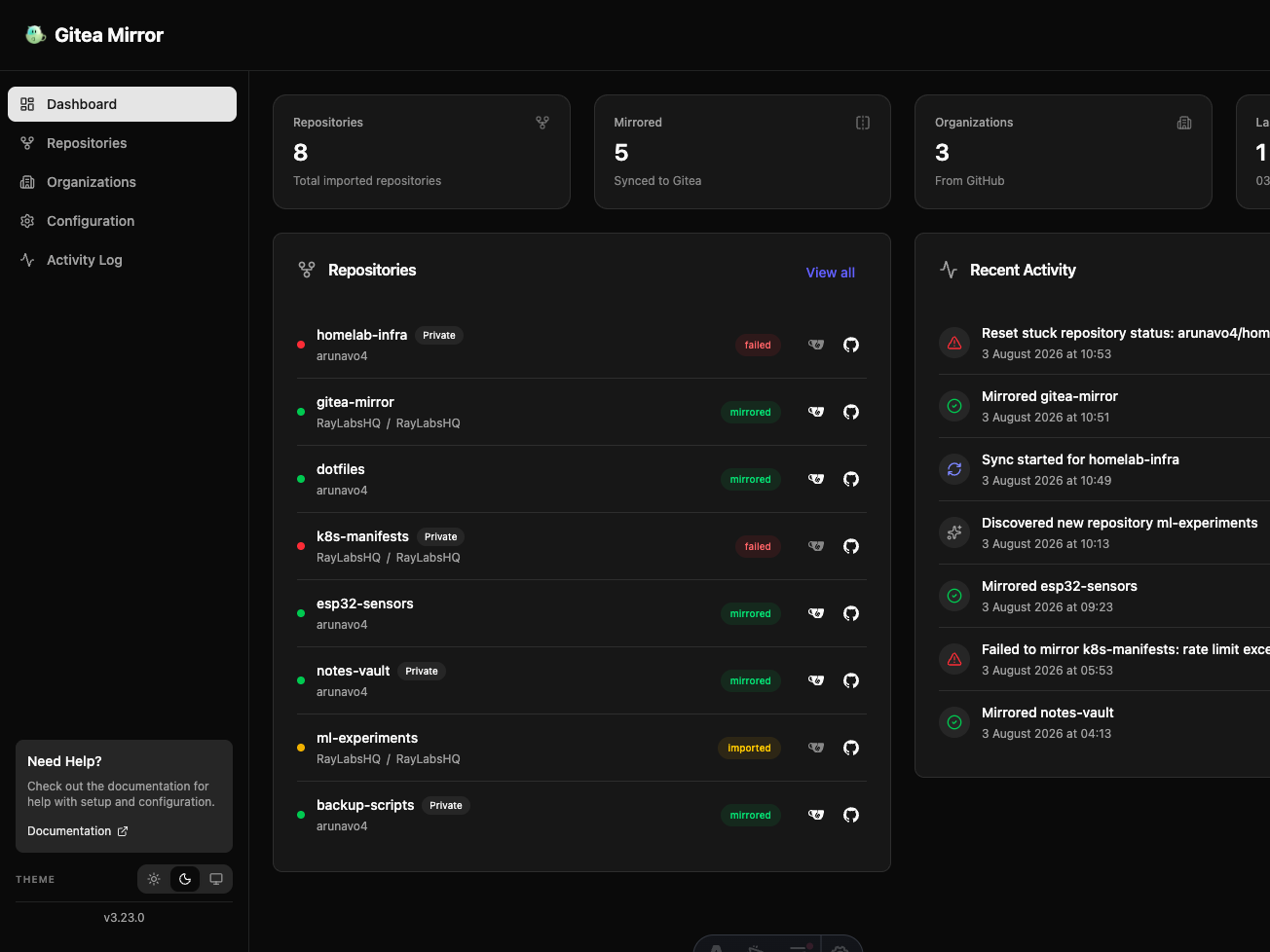
A failed repository shows failed and its error message on the Repositories page. Every start, success, failure and warning is a row in the activity log, and pages update live. Notifications go through ntfy, Apprise, Gotify or a signed webhook; they’re off until you set one up, and then sync errors are on by default. /api/health reports degraded while interrupted jobs wait for recovery. In the container logs, lines are tagged by area, like [GitHub], [Scheduler] and [Repository Cleanup].